


Zeus Flip App & Mobile Play
Searching for a Zeus Flip app does not necessarily mean you need a download. The slot, a casino’s application and a home-screen shortcut are three different things.
Start with the game’s browser access. If a casino offers Zeus Flip in its own application, that is an additional route to the slot—not proof of a separate official Zeus Flip app.
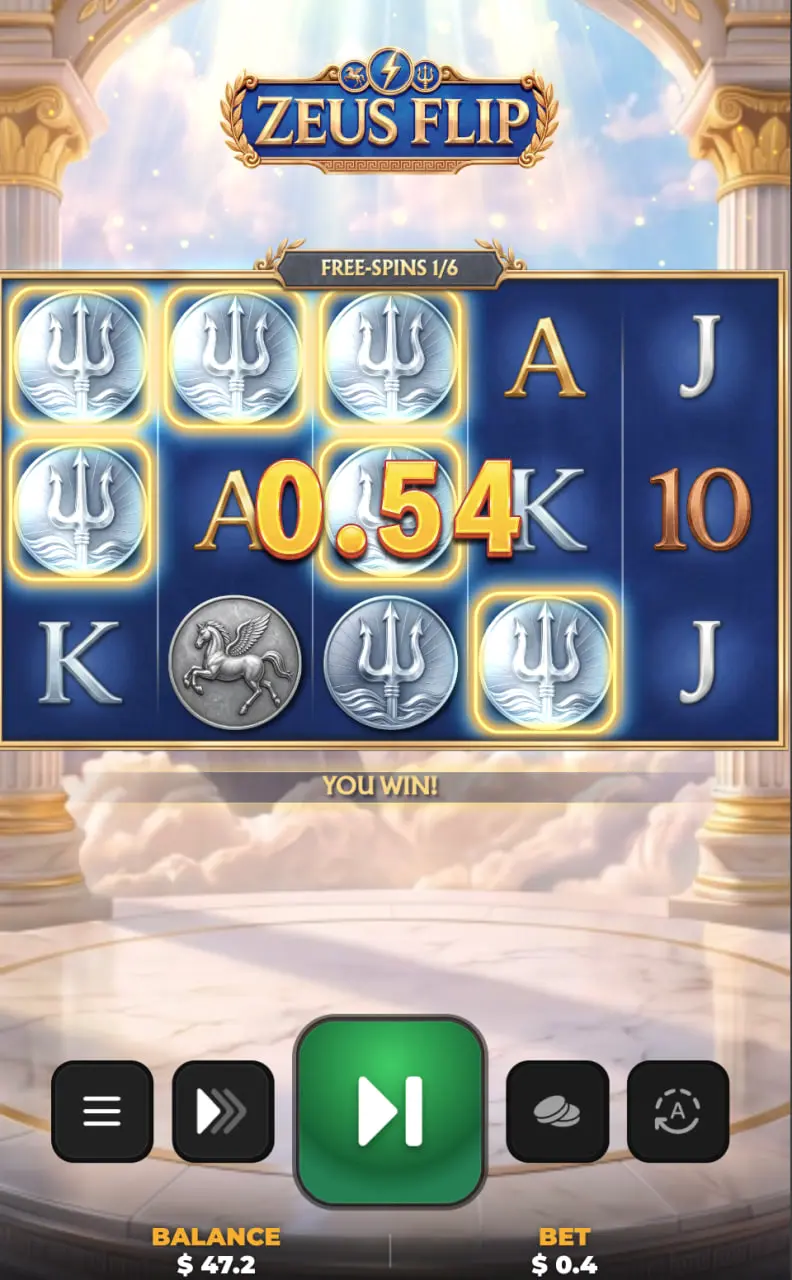
Is There a Zeus Flip App?
A dedicated official Zeus Flip application for Android or iPhone has not been confirmed. There is no verified standalone app download offered in this guide.
The distinction is straightforward:
| Option | What you get |
|---|---|
| Browser access | A game session opened through a website |
| Casino app | An operator’s application containing its available games |
| Home-screen shortcut | An icon linking back to a website |
| Standalone Zeus Flip app | A separate application requiring a verified publisher and release |
An app using the name “Zeus Flip” is not enough to identify it as this slot. Match the publisher and the game itself before installing anything.
How to Play Zeus Flip on Android
Where an operator offers the slot through its mobile website, open that site in your Android browser and search its lobby for Zeus Flip.
Check the listing identifies InOut Games, then select the available play mode. For real-money access, use the operator’s normal account process.
Before spinning:
- Locate the stake selector and account currency.
- Open the rules and paytable.
- Confirm that Spin and the bet controls are unobstructed.
- Let each round finish before starting another.
If a casino directs you to its Android application, check that Zeus Flip is included in that application’s catalogue. A game appearing on the website does not by itself confirm its presence in the app.
How to Play Zeus Flip on iPhone
On iPhone, begin with the host’s website in Safari and find Zeus Flip in its game lobby.
After opening the game, check whether the paytable is readable and whether the stake control remains accessible. Use the game’s full-screen option if one is available and provides a clearer view.
Safari’s Add to Home Screen option can create an icon for returning to a website. It does not turn the website into a verified native Zeus Flip application.
A casino’s iOS app may have a different catalogue from its website. Check for the slot inside the app before downloading it specifically to play this game.
Playing Zeus Flip in a Mobile Browser
The important mobile detail is following the entire Coin Flip sequence on a smaller screen.
The reels may stop, an initial win may appear, and additional symbols may then start landing. Wait for those additions and any further qualifying reels to finish before reading the final result.
Keep these controls within reach:
| Control | Why it matters |
|---|---|
| Bet selector | Confirms the cost of the next paid spin |
| Paytable | Shows payouts at the selected stake |
| Rules menu | Explains triggers and special symbols |
| Final win display | Shows the completed round’s payout |
If the interface freezes, repeated taps can make it harder to tell which input was accepted. Wait for a response, then check the round status through the operator where available.
Do not assume that closing a tab cancels an accepted real-money bet.
Try the Zeus Flip Demo on Mobile
Use demo mode to check whether the interface is comfortable on your phone before using a funded balance.
You should be able to read the selected stake, open and close the paytable, and follow a completed round without controls being hidden by the surrounding page.
When Coin Flip occurs, watch the triggering reel first, then the added symbols. A full reel of three identical coins qualifies; two coins and a WILD do not.
The demo guide explains what to look for. The rules page covers the complete feature without repeating it here.
Mobile FAQ
These answers distinguish downloads, browser access and account services.
Can I download a Zeus Flip APK?
No verified standalone Zeus Flip APK is provided here. If an operator offers its own Android app, use its verified installation route and check that the slot is included.
Is there a Zeus Flip app for iPhone?
A dedicated official iPhone release has not been confirmed. Browser access and an operator’s iOS application are separate options.
Do I need a casino app to access Zeus Flip?
Where the host provides browser access, a casino app is not required for that route. Access still depends on the host’s catalogue and eligibility conditions.
Can I play the Zeus Flip demo on my phone?
Open demo mode through its host and check your device’s compatibility. A successful launch should include readable rules, accessible controls and a completed round.
Why is Zeus Flip not loading on mobile?
A blank frame can indicate a loading or blocked-content problem; a session error may require a fresh launch from the game page. An explicit location restriction is an access condition rather than a display fault.
Can I withdraw winnings through the game?
No. Withdrawal requests are handled in the casino account area. ZeusFlip.com does not hold balances or process payments, and demo credits cannot be withdrawn.
18+. Set a spending limit before real-money play.